
 altranked.
Best Airtable Alternatives

 By Altranked Team
Airtable is a well-designed product, and nobody switches away from it because the interface is bad. They switch because of what happens on the pricing page once a base crosses a few thousand records or a team needs to add more than a couple of seats. Airtable's plans are structured around per-seat costs plus record ceilings, and both of those numbers work against you exactly when your usage is proving the tool is valuable. A growing team with a growing database is the scenario Airtable's pricing punishes hardest — which is a strange incentive for a company selling a database tool. The alternatives below exist because "we outgrew it" is a far more common complaint than "it doesn't work."
1. Baserow — Best Open-Source Airtable Clone With Zero Learning Curve
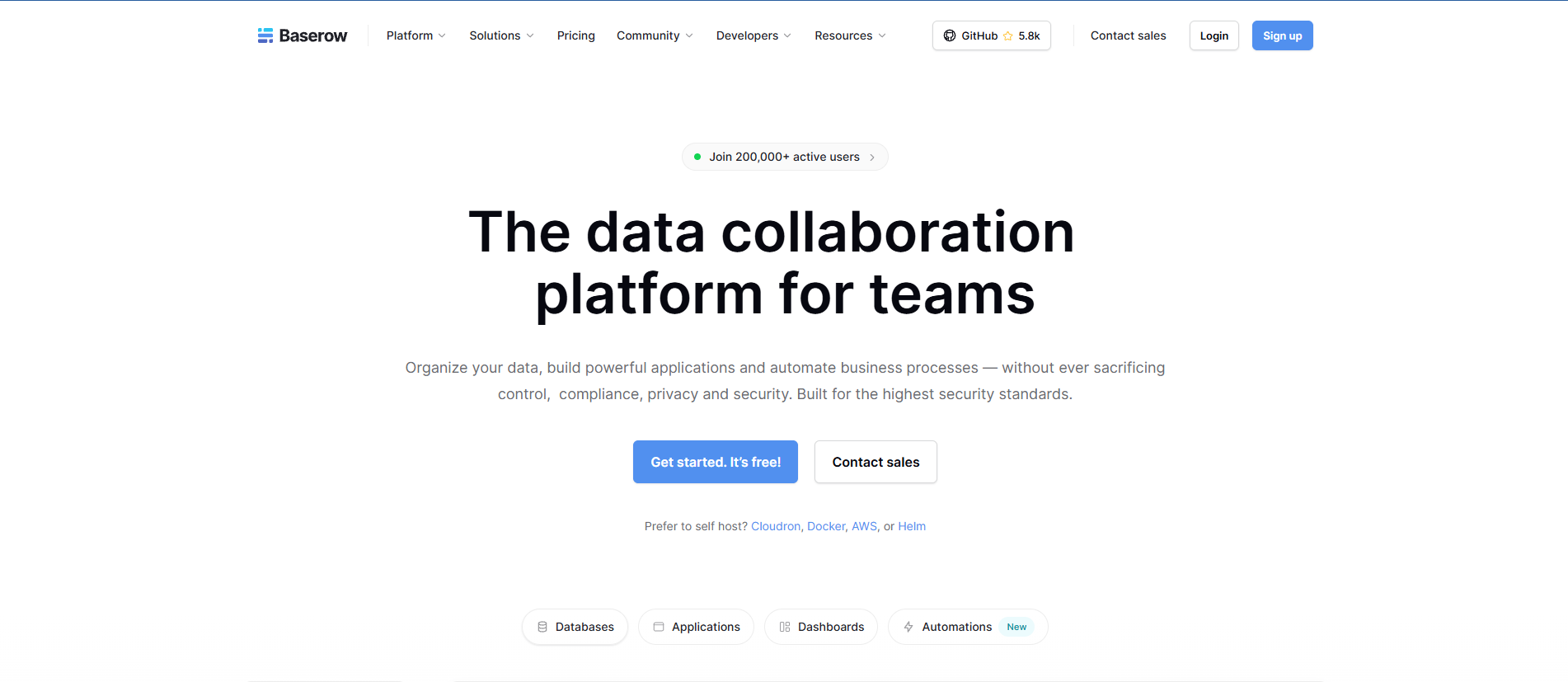
Baserow is the closest thing to a one-to-one Airtable replacement on this list. The grid view, the field types, the way you build relationships between tables — it's close enough to Airtable's interface that a team can move over without a training period. That similarity is the whole value proposition: you're not asking anyone to learn a new mental model, just a new login screen.
Where it actually differs is the business model underneath. Baserow is open-source, which means self-hosting is a real option, not a marketing footnote — and if you self-host, record limits stop being a thing you have to think about, since you're running on your own infrastructure rather than renting space in someone else's pricing tier. For teams that don't want to manage a server, Baserow's managed cloud plan is still notably cheaper per seat than Airtable's equivalent tier. The trade-off is less about missing features and more about ecosystem maturity — Airtable's app marketplace and third-party integrations have had years longer to accumulate, so if your workflow depends on a specific niche extension, it's worth checking Baserow supports it before migrating.
2. NocoDB — Best for Developers Who Want a Spreadsheet Interface Over Real SQL
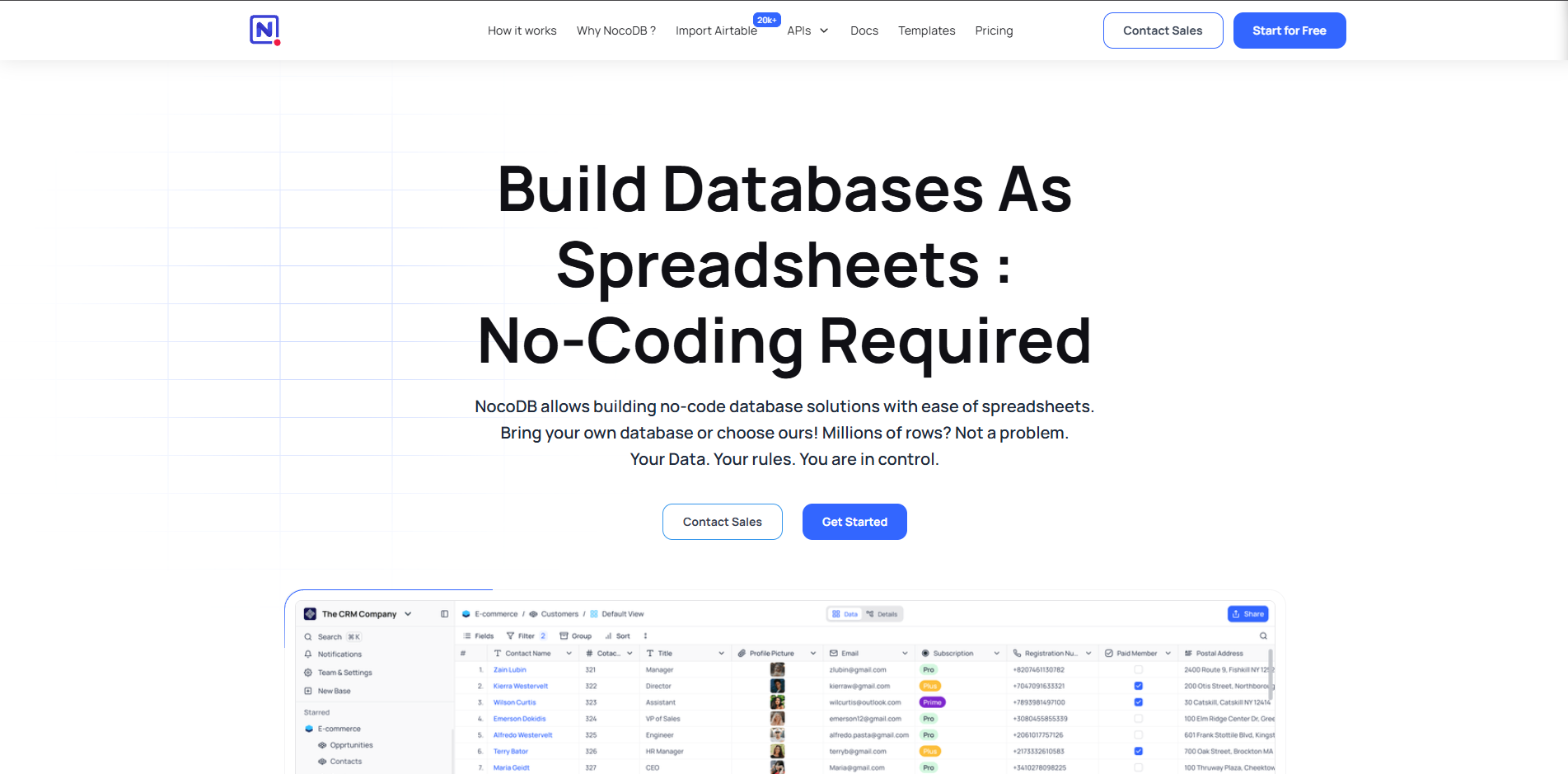
NocoDB solves a different problem than Baserow does. Instead of being a database that happens to look like a spreadsheet, it's a layer that sits on top of databases you already have — Postgres, MySQL, and others — and gives them an Airtable-style grid interface without moving your data into a new proprietary system. For a technical team, that distinction matters a lot: your data stays in a real relational database you control, with all the querying power and backup tooling that implies, while non-technical teammates still get a friendly spreadsheet view to work in.
Self-hosted NocoDB is completely free, which is a meaningful difference from Airtable's seat-based subscription math, especially for larger internal teams. The catch is squarely about audience. This is not a tool to hand to someone who's never thought about database schemas — connecting it to an existing SQL database and getting it configured correctly assumes some technical comfort. A marketing team that just wants to drag in a CSV and start collaborating will likely find it more setup than they bargained for.
3. SmartSuite — Best for Agencies and Operations-Heavy Teams
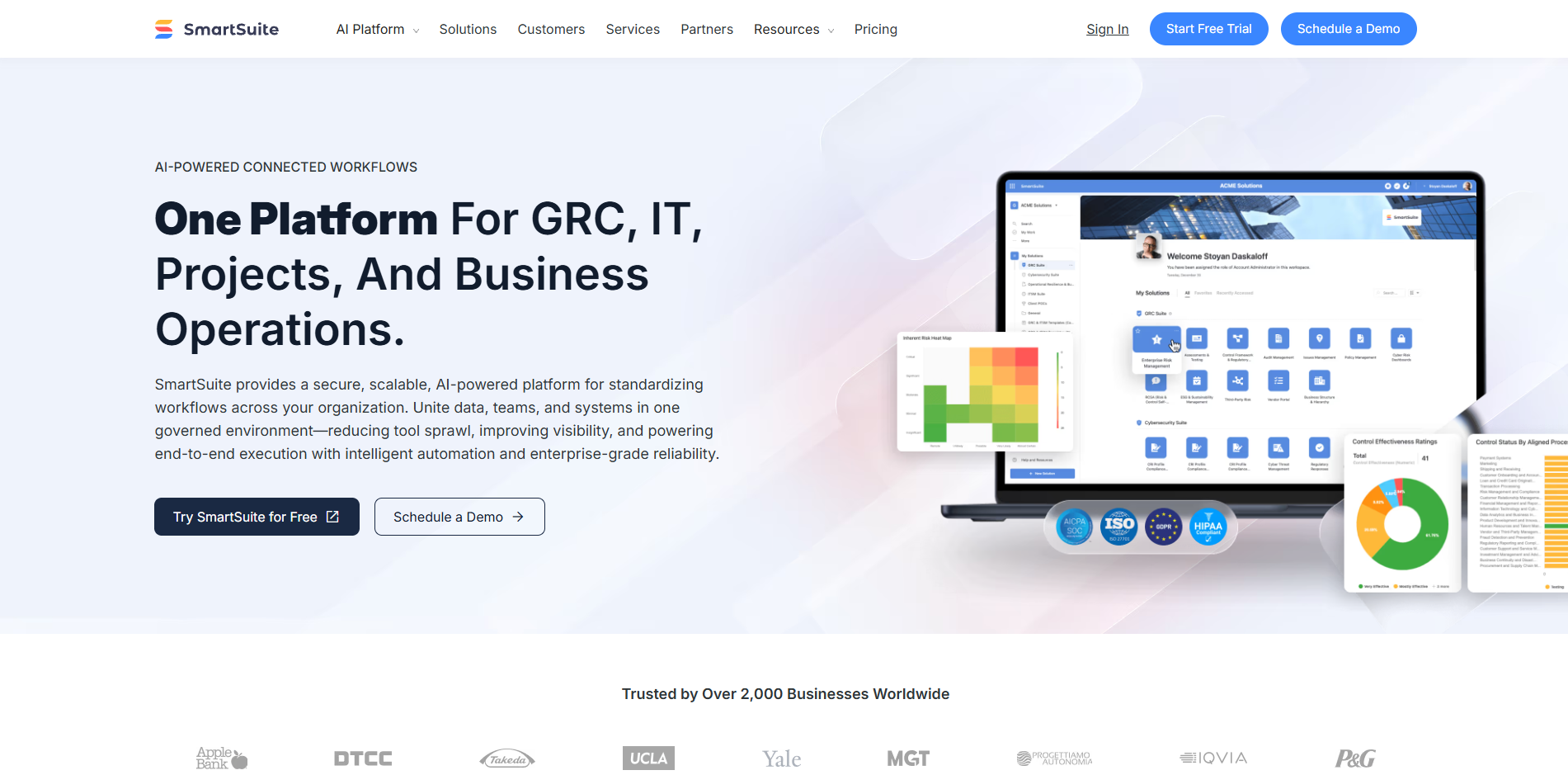
SmartSuite leans into a different niche: teams that need Airtable's database flexibility but also want built-in project management and workflow structure without duct-taping together a separate PM tool on the side. Agencies running client work, or operations teams managing multi-stage processes, tend to get more out-of-the-box value here than out of a blank Airtable base, because SmartSuite's templates and native business-process features assume you're managing work, not just storing records.
Cost is the other selling point — for larger teams needing strict permission structures, SmartSuite works out considerably cheaper per user than Airtable at comparable scale. The interface trade-off is real, though. SmartSuite is more rigid in how it wants you to structure things compared to Airtable's build-anything flexibility. That rigidity is partly the point (structure over sprawl), but a team that wants to freeform their database design will feel more boxed in than they would in Airtable.
4. Coda — Best for Teams That Think in Documents, Not Just Tables
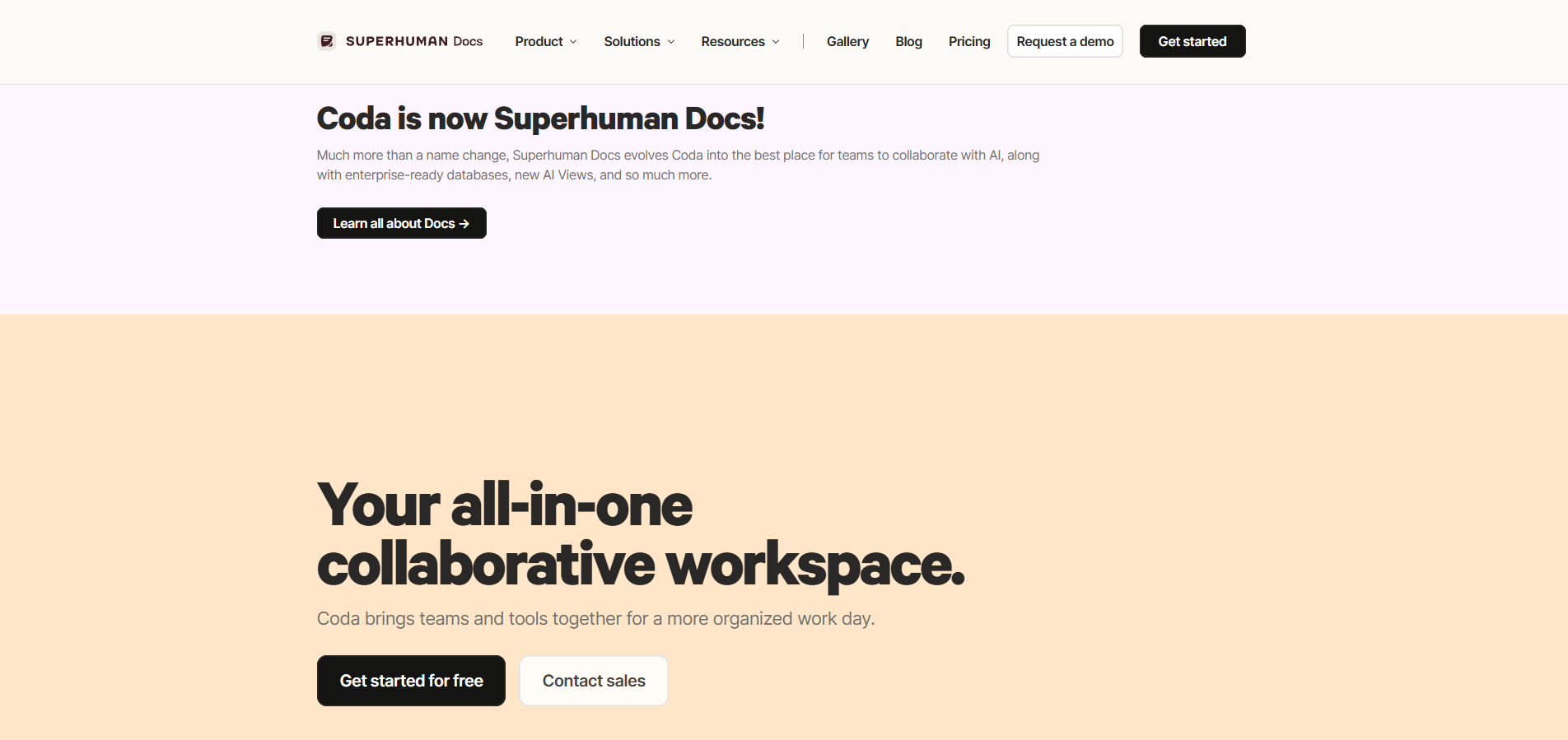
Coda flips Airtable's core premise. Airtable is a database that can hold blocks of text; Coda is a document that can hold a fully functional database inside it. If your team's actual workflow involves writing — internal wikis, process docs, meeting notes — and you want structured data tables living directly inside that writing rather than as a separate linked resource, Coda handles that integration more naturally than Airtable does. You're not toggling between a doc tool and a database tool; the database is a component embedded in the page itself.
This is a fit question more than a feature comparison. Teams whose primary need is "a relational database with a nice UI" won't gain much by switching to a document-first tool. But teams that have been maintaining a wiki and a separate Airtable base and constantly cross-referencing between them will find real friction reduction here.
5. Google Sheets — Still the Most Robust Tool for Flat, Simple Data
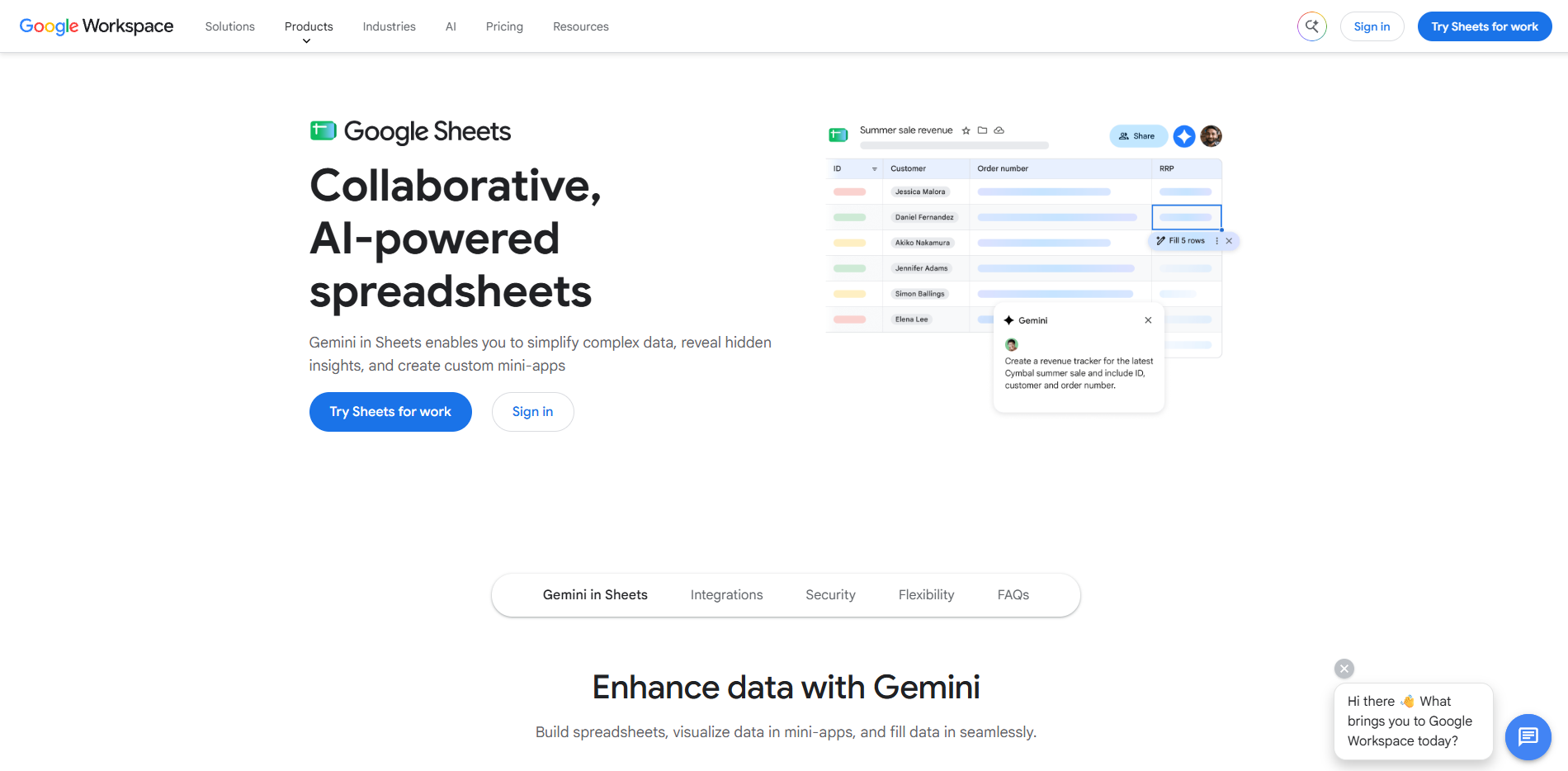
This sounds like a punchline, but it isn't one. A significant share of Airtable users never actually needed a relational database — they needed a table that looked nicer than a default spreadsheet, with some basic collaboration on top. If that's the actual use case, paying a per-seat subscription for relational fields, linked records, and views you're not using is money spent on capability you don't touch.
Google Sheets is free, collaboration is mature and reliable, and for a flat list — inventory tracking, a simple content calendar, a shared client list — it remains genuinely hard to break. The honest limitation is exactly what you'd expect: no true relational structure between tables, weaker field-type enforcement, and it starts to strain once you need linked records across multiple tables or more sophisticated views. For anything beyond a flat table, this stops being the right answer fast. For a flat table, it's arguably the most battle-tested tool on this entire list.
Which One Fits Your Workflow?
Direct Airtable replacement with no retraining needed → Baserow
Full control over your own SQL data with a spreadsheet UI layered on top → NocoDB
Agency or ops team needing built-in project management and cheaper per-seat pricing → SmartSuite
Teams that write documentation and want databases embedded in the page → Coda
Simple flat-table needs with no real relational requirements → Google Sheets